```html
Tesla Video Manager
TVM is a plug-and-play glovebox device that gives your Tesla up to 5 TB of local storage, automatic wireless archiving, and secure global remote access — all without removing a USB drive.
Built for Tesla owners who want more retention, easier review, and real remote access.
Store far more footage locally with up to 5 TB of high-endurance storage, reducing the risk of losing important clips to constant overwrite.
When your car comes home and joins your configured Wi‑Fi, TVM automatically syncs new footage to your home archive using rsync, SMB/CIFS, or NFS.
Tailscale integration provides a stable private address and secure encrypted access to your TVM dashboard from anywhere in the world.
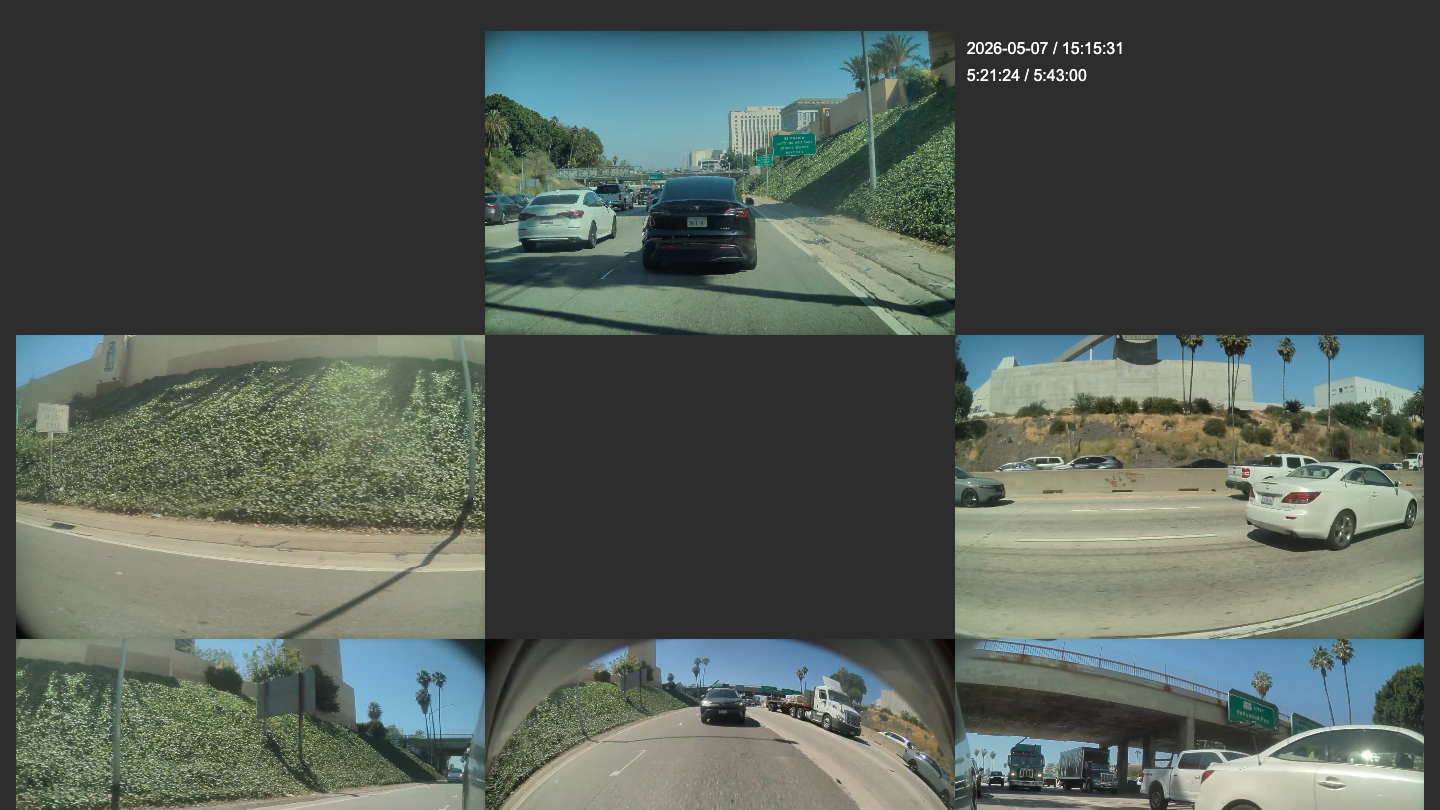
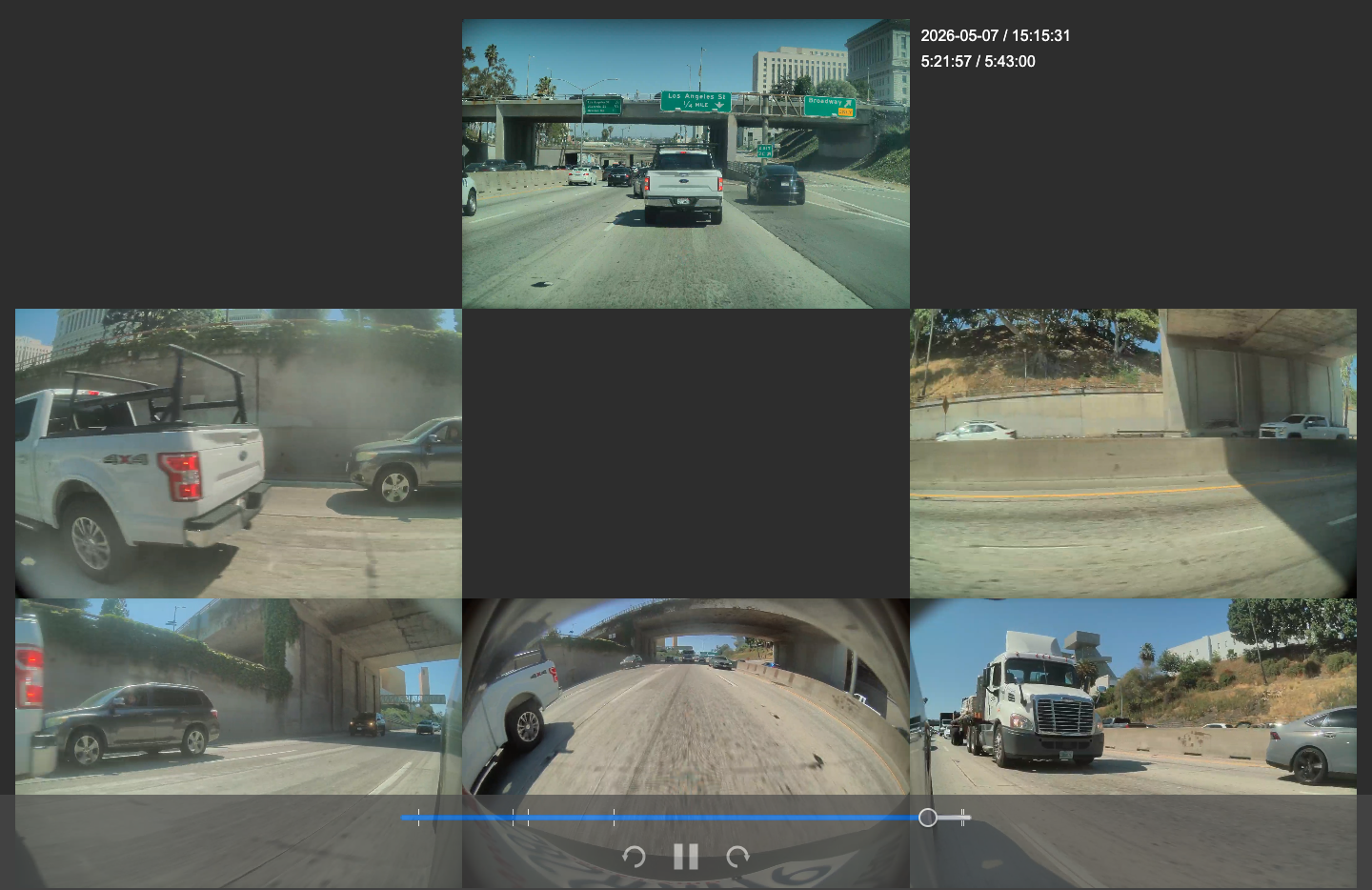
Review front, rear, repeaters, and pillar cameras in a synchronized multi-cam layout, all scrubbed from one shared timeline.
TVM automatically checks and repairs the virtual dashcam drive after Tesla cuts USB power, helping keep recording uninterrupted.
The companion app walks you through Wi‑Fi setup, archive settings, and Tailscale authentication without needing terminal access or manual config edits.
Browse clips, trigger a sync, inspect logs, run diagnostics, and manage the device directly from your browser.
TVM uses Tailscale on top of WireGuard to provide modern encrypted remote access without exposing ports on your home router.
Works with Linux servers, Windows shares, and NAS devices using the protocol that fits your home network best.
TVM supports recording from up to seven Tesla camera perspectives in continuous one-minute clips for Dashcam and Sentry Mode workflows.
* Camera availability varies by vehicle hardware version and software support.
Vehicle Camera Layout
Red markers indicate supported recording perspectives.
Three storage tiers for different driving habits — from daily commuting to maximum-retention power use.
All models include the core TVM software stack, setup flow, remote dashboard, and automatic archiving support.
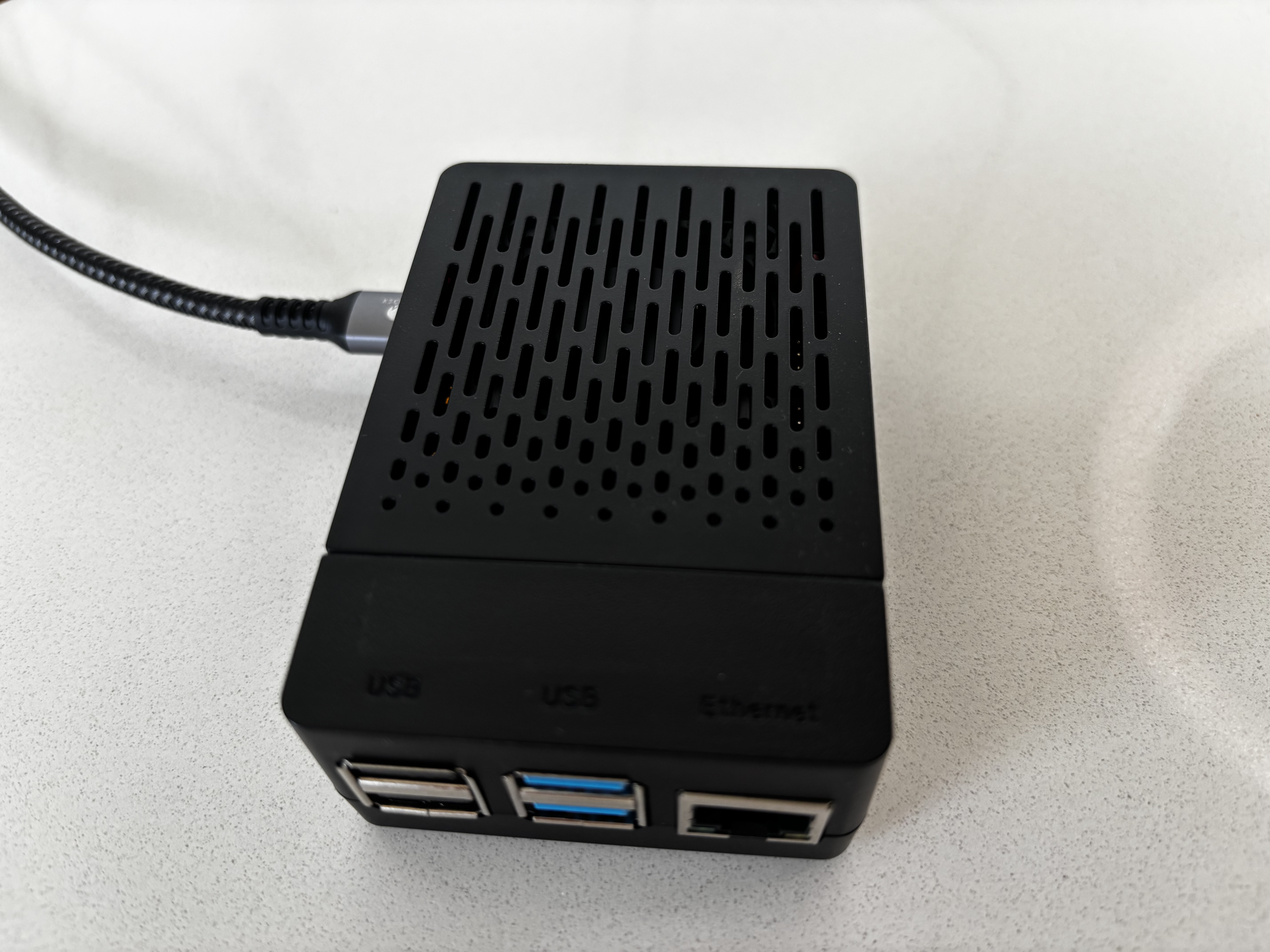
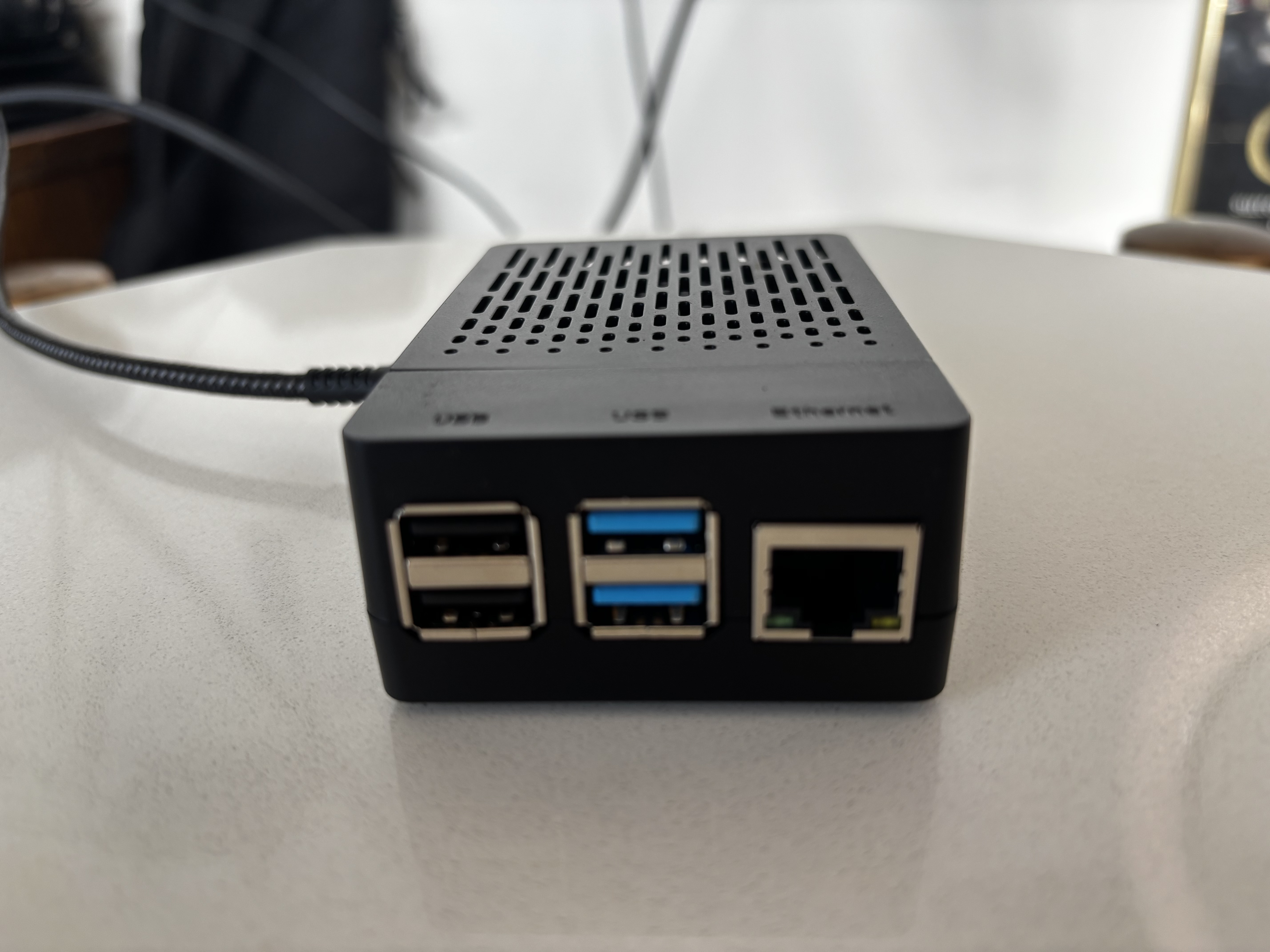
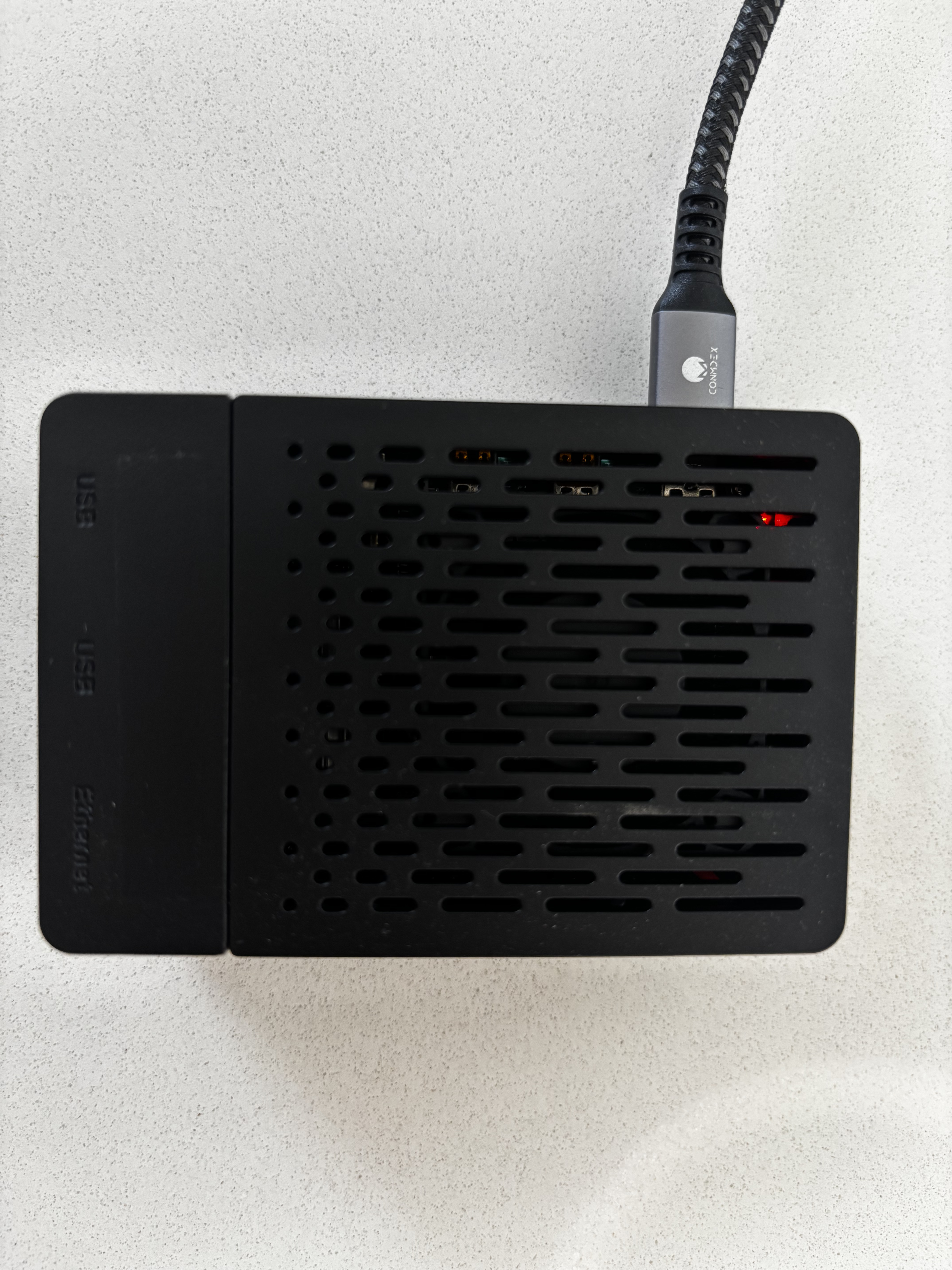
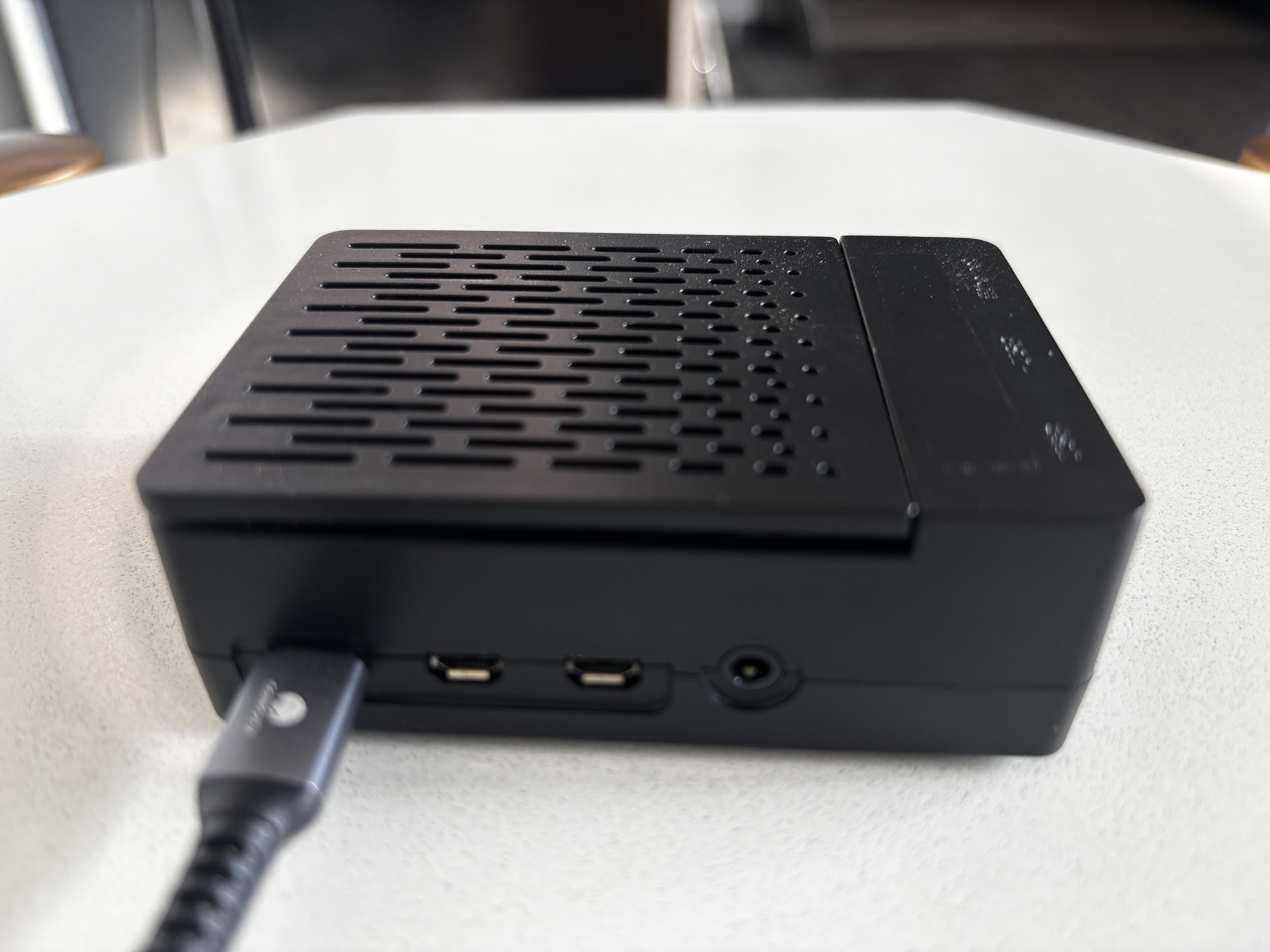
Compact, clean, and designed to stay installed permanently in your Tesla.
The TVM mobile setup flow is designed for non-engineers and turns a complex networking stack into a simple guided experience.
Connect TVM to your Tesla’s data-enabled USB port using the included cable. On first boot, TVM powers up in setup mode.
TVM broadcasts its own setup access point so your phone can connect directly and securely configure the device.
The app detects TVM, establishes a secure connection, and walks you through Wi‑Fi credentials, archive location, and remote access setup.
Provide your home Wi‑Fi details and your preferred archive target using SMB/CIFS, NFS, or rsync.
Sign in once and TVM joins your private tailnet, giving the device a stable encrypted remote address without port forwarding.
TVM now records as a high-capacity Tesla dashcam drive, archives automatically at home, and stays accessible from anywhere.
TVM includes a browser-based dashboard served directly from the device, accessible locally or remotely over Tailscale.
Review synchronized Tesla footage from multiple camera angles with a unified playback experience and shared scrub timeline.
Browse and download RecentClips, SavedClips, and SentryClips directly from your device without removing hardware from the car.
Run manual sync, inspect logs, measure network speed, manage visibility, and reboot the device directly from the web interface.
TVM’s built-in viewer synchronizes all available Tesla camera feeds into one seamless playback experience. Scrub once and watch every angle update instantly.
Drag the timeline once and all camera angles stay aligned in a unified playback session.
Each event includes precise timing details for accurate review of incidents, merges, parking events, and traffic interactions.
Front, rear, repeaters, and B‑pillar views appear together so you can understand the full scene instantly.
Access the viewer from anywhere over your private Tailscale network without opening ports on your router.
TVM is built on a proven Linux-based stack inspired by the open-source teslausb ecosystem and optimized for reliable daily recording.
| Compute Platform | Raspberry Pi 4B |
| Networking | Gigabit Ethernet + Wi‑Fi |
| USB Interface | USB OTG / Tesla data port connection |
| Base Storage | 256 GB high-endurance MicroSD |
| Mid Storage | 512 GB high-endurance MicroSD |
| Don Dadda Storage | 5 TB high-endurance SSD via USB 3.0 UASP |
| Operating System | Raspberry Pi OS Lite (customized) |
| USB Emulation | Linux g_mass_storage gadget |
| Virtual Drive Format | FAT32 / exFAT loopback image |
| Remote Access | Tailscale over WireGuard |
| Web Interface | nginx + device-hosted dashboard |
| Setup Mode | Wi‑Fi access point with guided onboarding |
| Supported Protocols | rsync, SMB/CIFS, NFS |
| Archive Trigger | Auto-start when home Wi‑Fi is detected |
| Snapshot Handling | overlayfs for stable transfer view |
| Local Cleanup | Automatic after confirmed archive |
| Home Archive Target | 2 TB Network Drive included |
| Compatibility | Linux NAS, Windows share, consumer NAS |
| Recording Segments | Continuous 1-minute clips |
| Supported Camera Views | Up to 7 simultaneous perspectives |
| Space Management | Automatic trim of older non-saved clips |
| Filesystem Recovery | fsck on boot after unsafe power loss |
| Remote Device Controls | Sync, reboot, diagnostics, visibility toggle |
| Remote Access Requirement | No port forwarding needed |